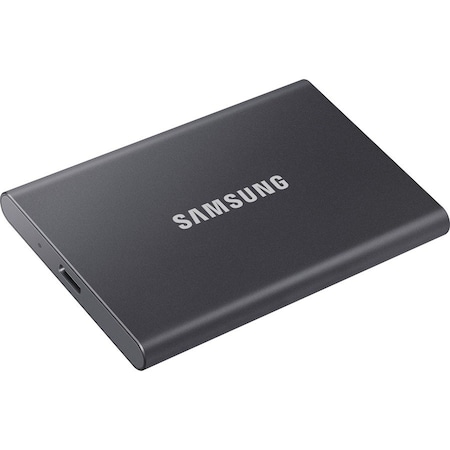
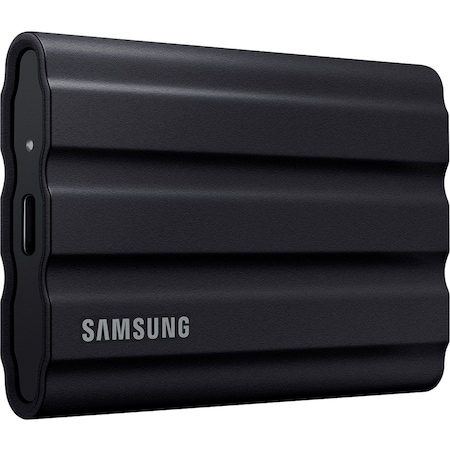
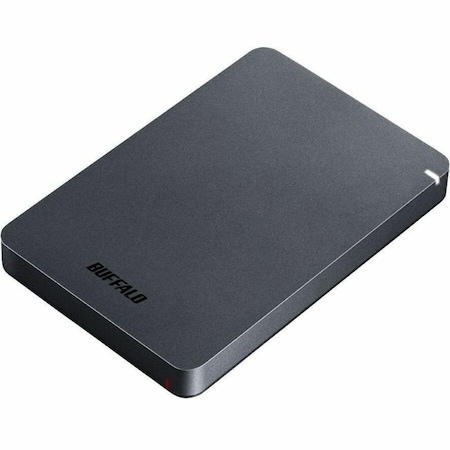
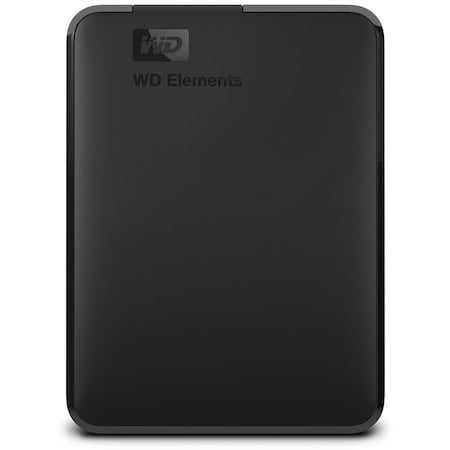
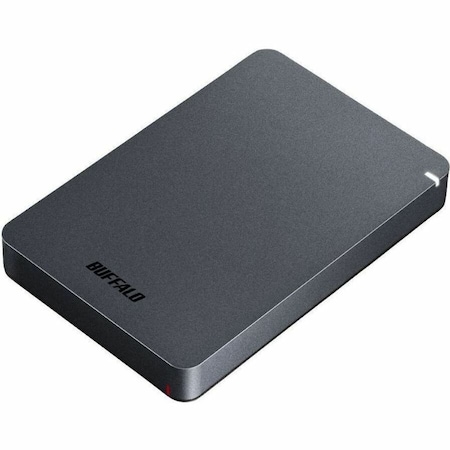
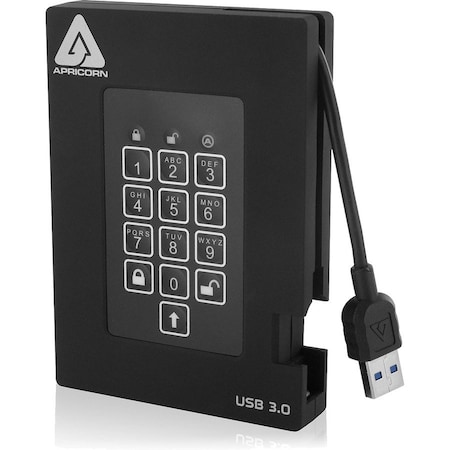
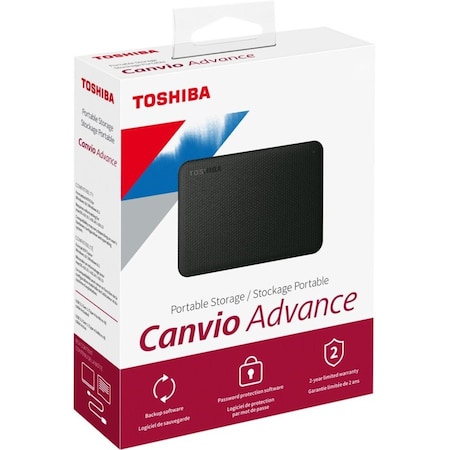
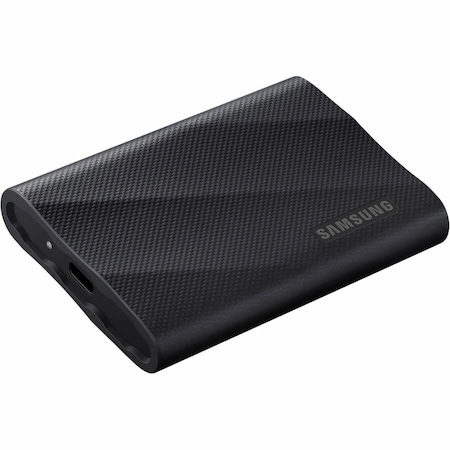
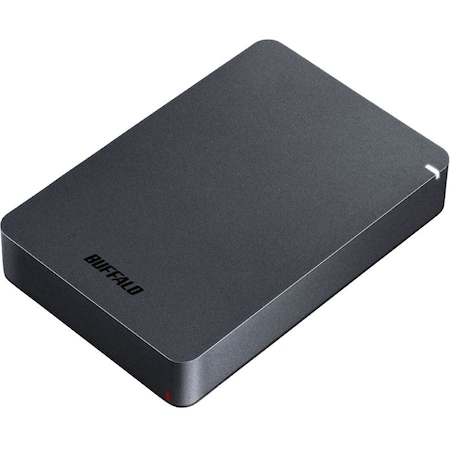
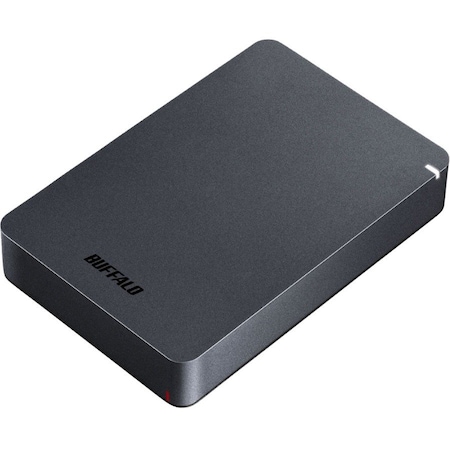
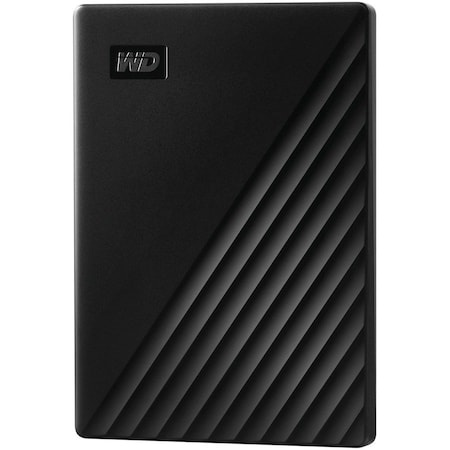
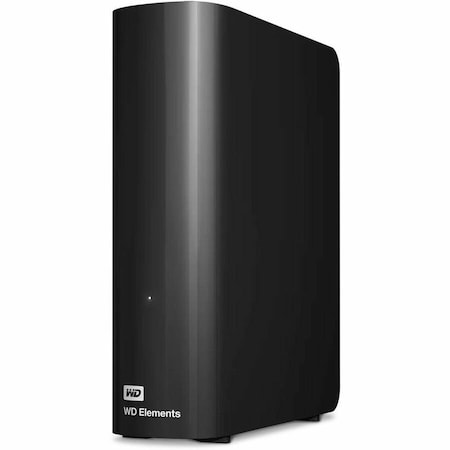
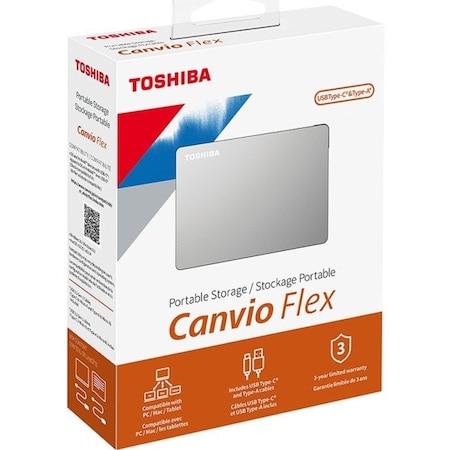
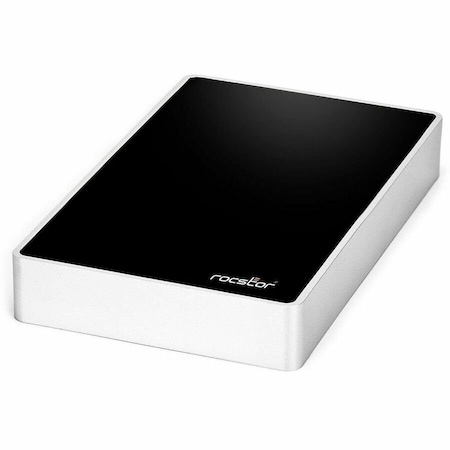
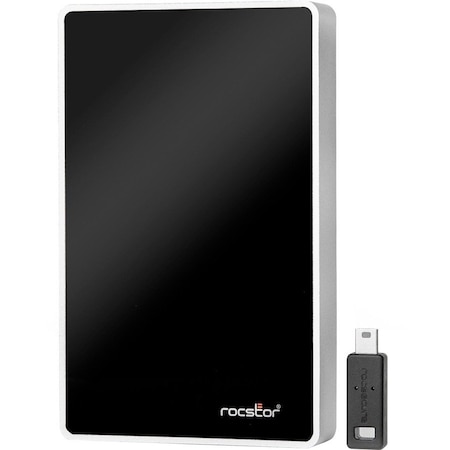
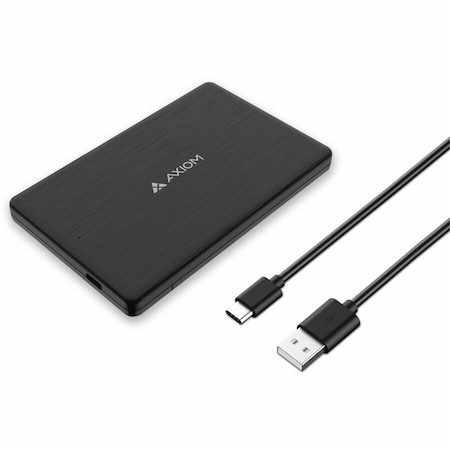
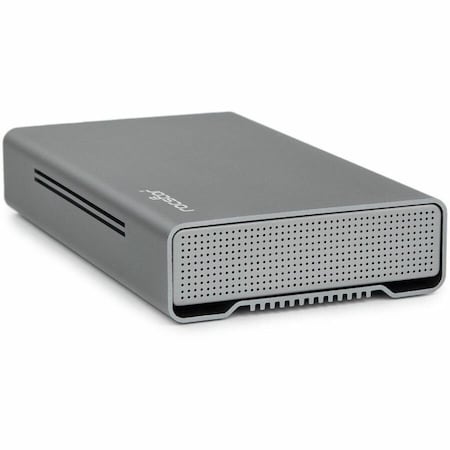
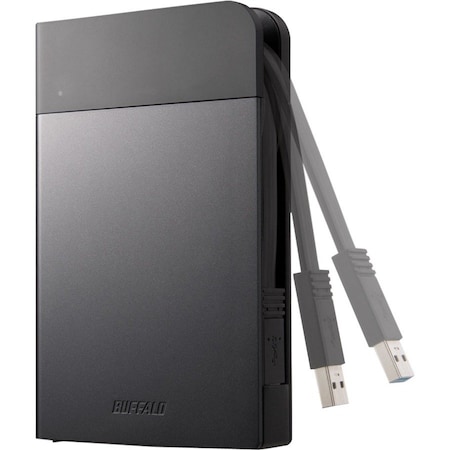
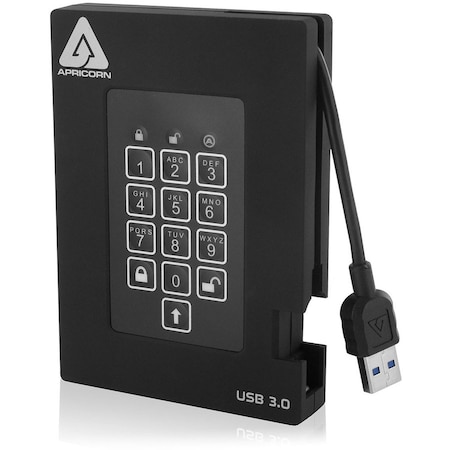
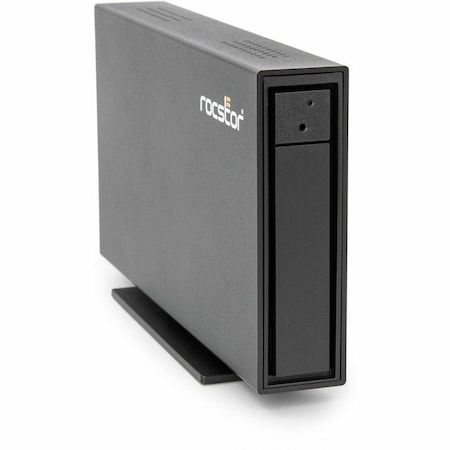
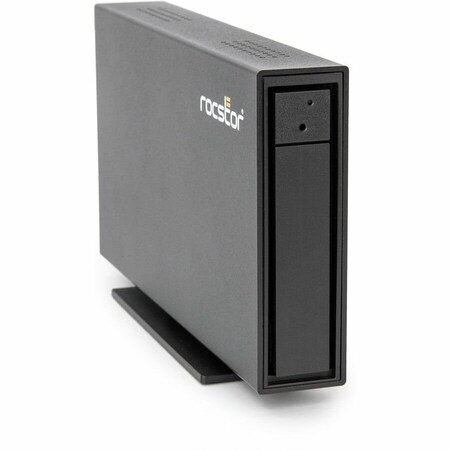
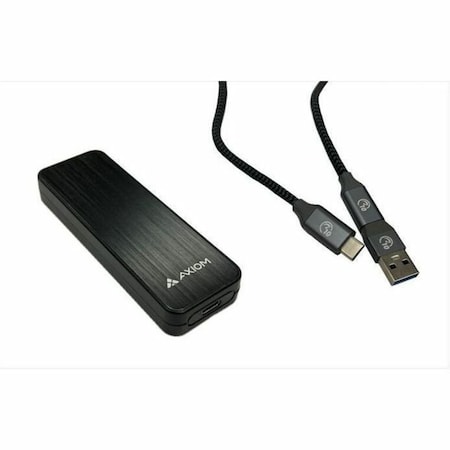
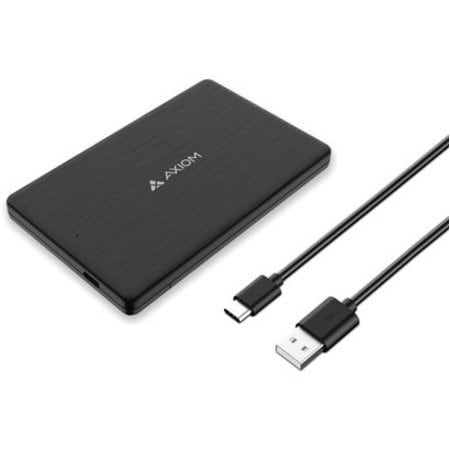
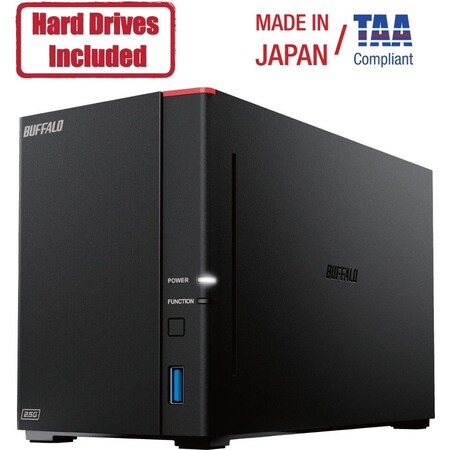
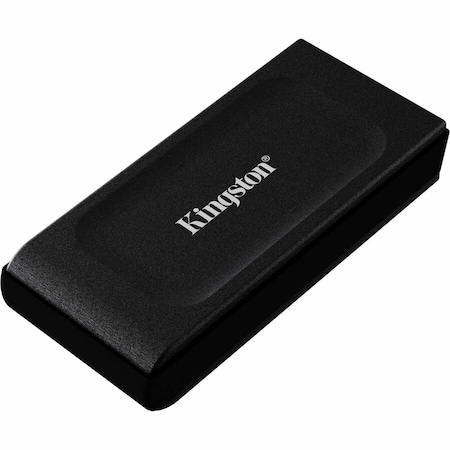
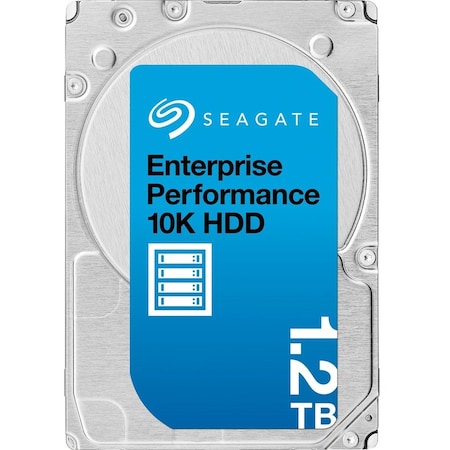
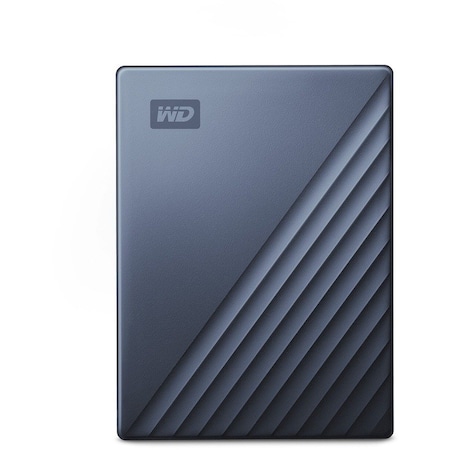
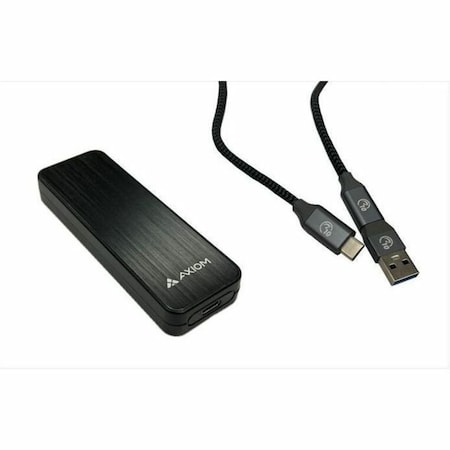
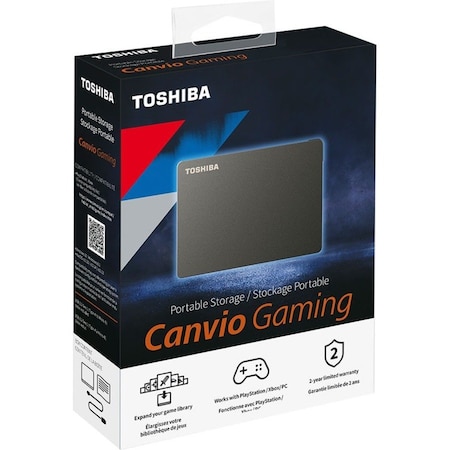
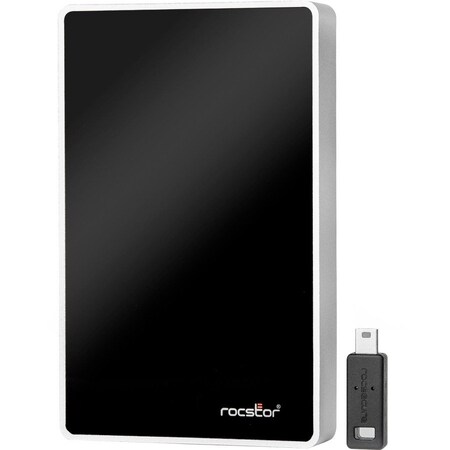
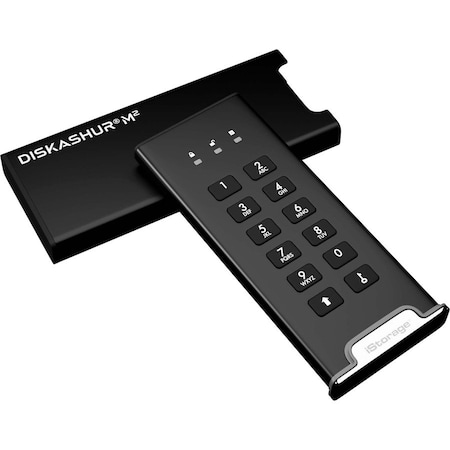
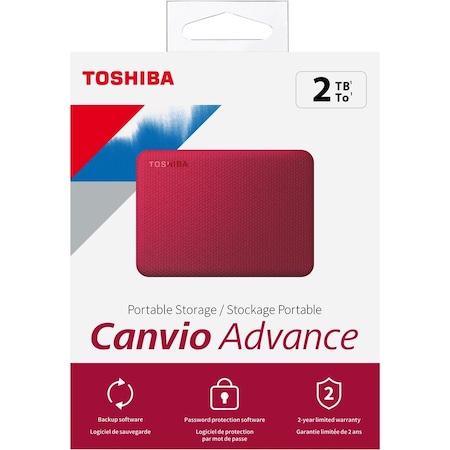
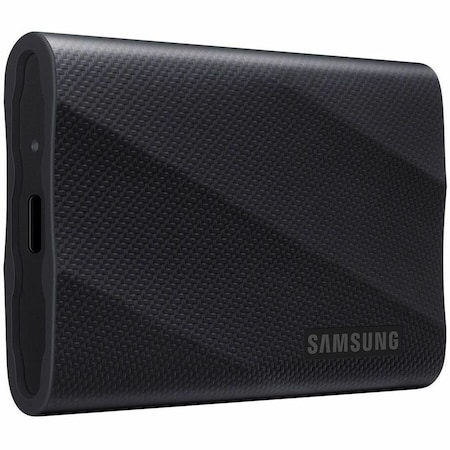
An external hard drive is a portable data storage device that connects to a computer or other electronic device via a USB or Thunderbolt cable. It increases the storage capacity of your device and allows you to transfer and backup data, such as documents, photos, videos, and more.
When selecting an external hard drive, consider your storage needs (how much data you need to store), speed (RPM, for example 7200RPM), compatibility (make sure it works with your operating system and devices), size (portability), and ruggedness (durability, if needed for travel or rough handling).
External hard drives provide numerous advantages, including data protection (backing up important files), increased storage capacity, enhanced portability, improved performance (offloading data from your primary drive), and the ability to share data easily between multiple devices.
Connecting an external hard drive is simple. Typically, all you need to do is plug one end of the USB or Thunderbolt cable into the hard drive and the other end into a compatible port on your computer. Your operating system should automatically recognize the drive and mount it, making it accessible for use.