


How to Reset a Circuit Breaker in 5 Steps
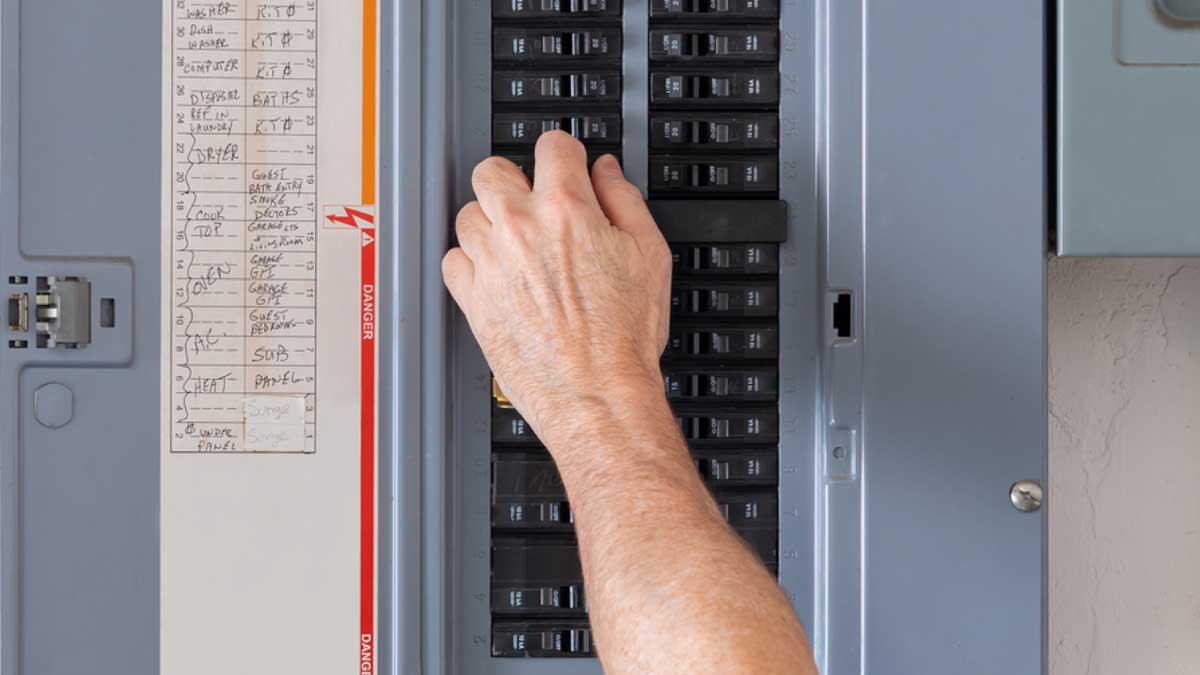
If your lights suddenly cut out or equipment stalls mid-shift, a tripped circuit breaker is often the culprit. Knowing how to reset a circuit breaker quickly and safely keeps your team productive and helps protect your systems. Whether you’re overseeing a facility floor or running jobsite operations, understanding basic circuit breaker troubleshooting is a must. In this guide, we’ll walk you through resetting a breaker step by step and what to do if the breaker keeps tripping after reset.
What Causes a Breaker to Trip?
Breakers trip as a safety feature. They cut power to prevent overloads, short circuits, or ground faults. High-powered machinery, frayed cords, or even a power surge can set them off. If you're wondering why a certain breaker keeps tripping, the cause could be as simple as too many devices plugged in, or it could point to a deeper electrical issue. Knowing your circuit breaker settings and equipment load can help prevent recurring problems. Always match your tools and machines to the load rating of the breaker, and check that everything is wired correctly.
How to Reset a Circuit Breaker: 5 Simple Steps
Before you reset a breaker, take a moment to prioritize safety. Electrical systems can be dangerous if you’re not careful. Make sure your hands are dry, avoid touching metal parts, and wear rubber-soled shoes for extra protection. It’s also a good idea to use just one hand when flipping the breaker; small steps like these can make a big difference.
1. Turn Off Equipment and Appliances
Before flipping circuit breakers, power down the equipment or unplug devices from the affected outlet. This avoids potential damage from sudden power surges when resetting breakers.
2. Locate the Tripped Breaker
Go to your electrical panel and look for a breaker that’s in the center or “off” position. Many breakers show a red or orange indicator when tripped. Which way should breakers be flipped? Typically, "on" is up and "off" is down, but panels may vary, so double-check your labels.
3. Reset the Breaker
Firmly push the breaker to the full “off” position, then flip it back to “on.” That’s how to turn on a breaker properly. It needs a full cycle to reset. If you only push it halfway or too lightly, it may not reset correctly. This step is also referred to as resetting a circuit breaker.
4. Check Your Equipment
Once power is back, turn equipment on one item at a time. Watch for any signs of trouble; flickering lights, buzzing, or immediate shut-off can mean there's an issue. If the breaker keeps tripping after reset, it’s time to investigate further or contact a qualified electrician.
5. Know When It’s Not a Standard Breaker
Some breakers work a bit differently. For example, GFCI breakers are designed for areas with moisture, like bathrooms or outdoor job zones. If you're troubleshooting one, look for a “test” and GFCI breaker reset button. Follow the same safety steps: turn off equipment, press reset, and test your system again.
What to Do If the Breaker Won’t Reset
Sometimes, a tripped circuit breaker won’t reset even after following all the steps. When that happens:
- Double-check for overloads. Unplug or power down everything on the circuit.
- Inspect the breaker. If it feels hot, smells burnt, or is visibly damaged, it may need replacement.
- Call a professional. If the issue persists, don’t force it. There could be a wiring issue or short that requires expert attention.
Now that you know how to turn on circuit breakers safely and effectively, make sure your team is trained to handle these moments with confidence. Keeping your electrical panel clearly labeled and maintaining up-to-date logs of outages or tripping incidents will save time when issues come up. Regular inspections and preventive maintenance go a long way, especially in high-demand manufacturing and construction settings.
Need replacement breakers, lockout kits, or electrical panel tools? Zoro’s got what you need to keep your operations powered, safe, and on schedule.
Product Compliance and Suitability
The statements contained in this guide are intended for general informational purposes only. Such statements do not constitute a product recommendation or representation as to the appropriateness, accuracy, completeness, correctness, or currentness of the information provided. Information provided in this guide does not replace the use by you of any manufacturer instructions, technical product manual, or other professional resource or adviser available to you. Always read, understand, and follow all manufacturer instructions. Portions of this article were generated in part by ChatGPT, and edited by a member of the Zoro team.
