


How to Remove Stickers from Glass
If you run a storefront, manage a facility, or oversee a fleet, chances are you've had to deal with stubborn stickers on glass—product labels, decals, inspection tags, or price stickers that just won't come off cleanly. Over time, they can make your space look neglected or unprofessional. In this guide, you'll learn how to remove stickers from glass safely and effectively using practical steps and the best sticker removal tools for glass. Whether you’re prepping a display window or cleaning up company vehicles, these methods help protect your surfaces while restoring a polished, business-ready appearance.
Step 1: Peel Carefully
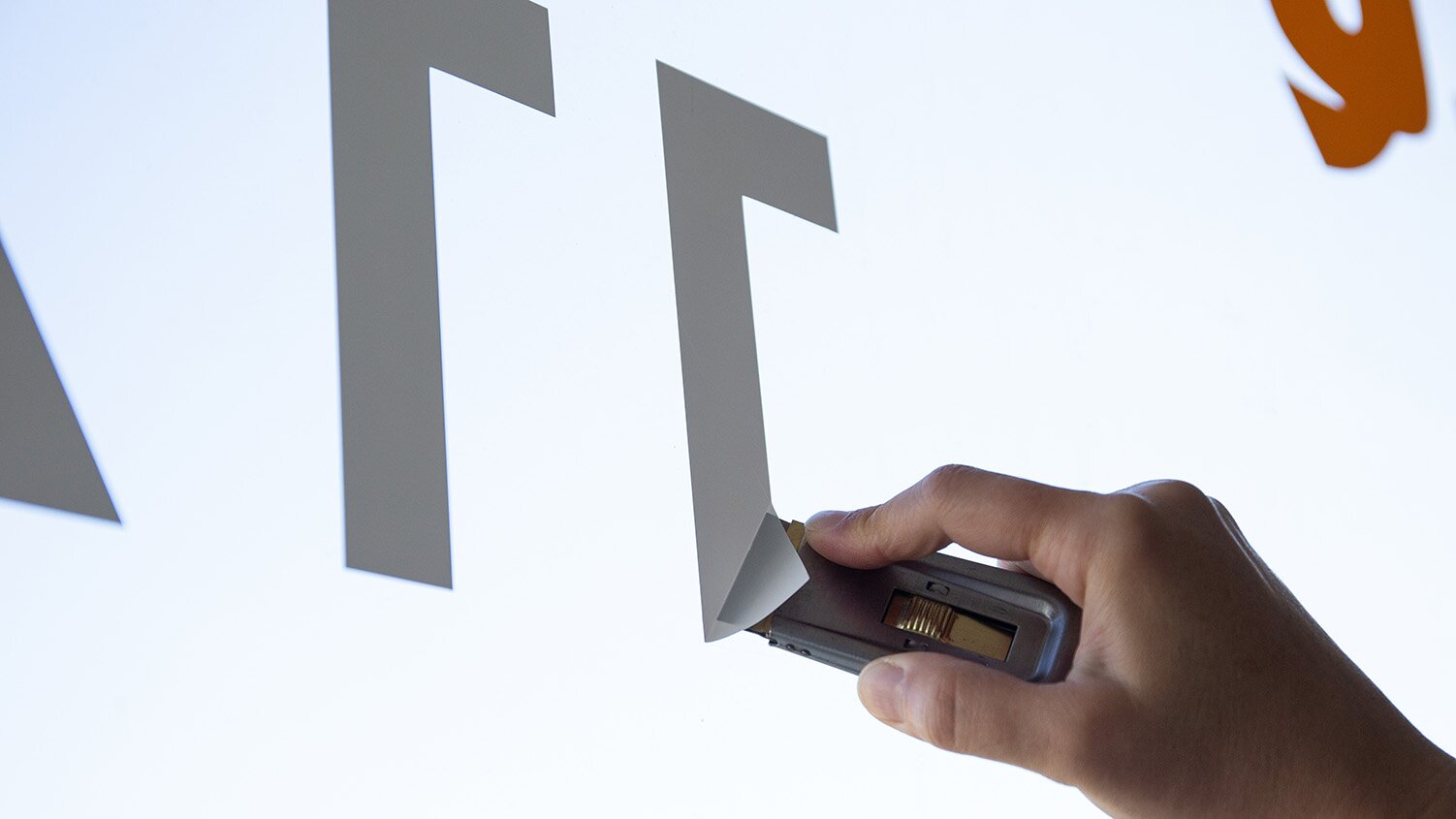
Start by gently lifting one corner of the sticker using your fingernail, a plastic scraper, or a razor scraper designed for glass. Pull slowly at a low angle to avoid tearing. If the sticker begins to flake or resist, stop and prep the surface using heat or a solvent.
Step 2: Apply Heat
Applying heat softens the adhesive, making it easier to peel the sticker without leaving residue. Use a hair dryer or a heat gun set to low.
- Hold the heat source about 3–5 inches from the sticker.
- Warm the area for 30–60 seconds.
- Test by peeling again at a low angle.
Tip: Never overheat tempered or laminated glass because it can warp or fracture.
Step 3: Use Adhesive Remover
If any glue remains, apply a commercial adhesive remover or household solution like vinegar or rubbing alcohol. Let it sit for several minutes, then wipe clean with a cloth. For precision, use a cotton swab or sponge for tight corners and edges.
Safety Reminder:
- Always wear gloves and ventilate the area.
- Test solvents on a small area first; some may dull tinted or coated surfaces.
Step 4: Razor Blade Scraper
For persistent adhesive, a razor blade scraper is effective. NOTE: use this method only on untreated glass.
- Wet the surface to minimize scratching.
- Hold the blade at a 30° angle.
- Gently scrape off the remaining residue.
Important! Never use this method on:
- Tinted windows
- Frosted or etched glass
- Screens or anti-glare panels
For these surfaces, stick with plastic scrapers and safe adhesive removers.
Step 5: Clean Glass After Removing Stickers
It’s essential to clean glass after removing stickers and glue to restore a spotless, streak-free shine.
Use a commercial glass cleaner or a homemade mix of white vinegar and water. Apply with a lint-free microfiber cloth and dry thoroughly.
Suggested Uses
Retail & Storefronts
Remove outdated sale decals or seasonal signage from windows without leaving ghosting or film.
Fleet & Auto Maintenance
Strip registration stickers or ID decals from windshields and windows.
Manufacturing & Warehousing
Remove labels from machine glass panels, control screens, or viewing ports.
Offices & Hospitality
Clean up privacy film, meeting room stickers, or office glass décor.
In each case, choosing the best sticker removal tools for glass saves time, prevents damage, and maintains a professional appearance for your customers and staff.
Removing stickers from glass doesn’t have to be frustrating. With the right method and tools, you can restore a clean, professional finish that sends the right message to customers and employees alike. Take the time to do it safely, and you’ll make your space shine.
Product Compliance and Suitability
The statements contained in this guide are intended for general informational purposes only. Such statements do not constitute a product recommendation or representation as to the appropriateness, accuracy, completeness, correctness, or currentness of the information provided. Information provided in this guide does not replace the use by you of any manufacturer instructions, technical product manual, or other professional resource or adviser available to you. Always read, understand, and follow all manufacturer instructions. Portions of this article were generated in part by ChatGPT, and edited by a member of the Zoro team.
