


How to Use and Read Digital Calipers
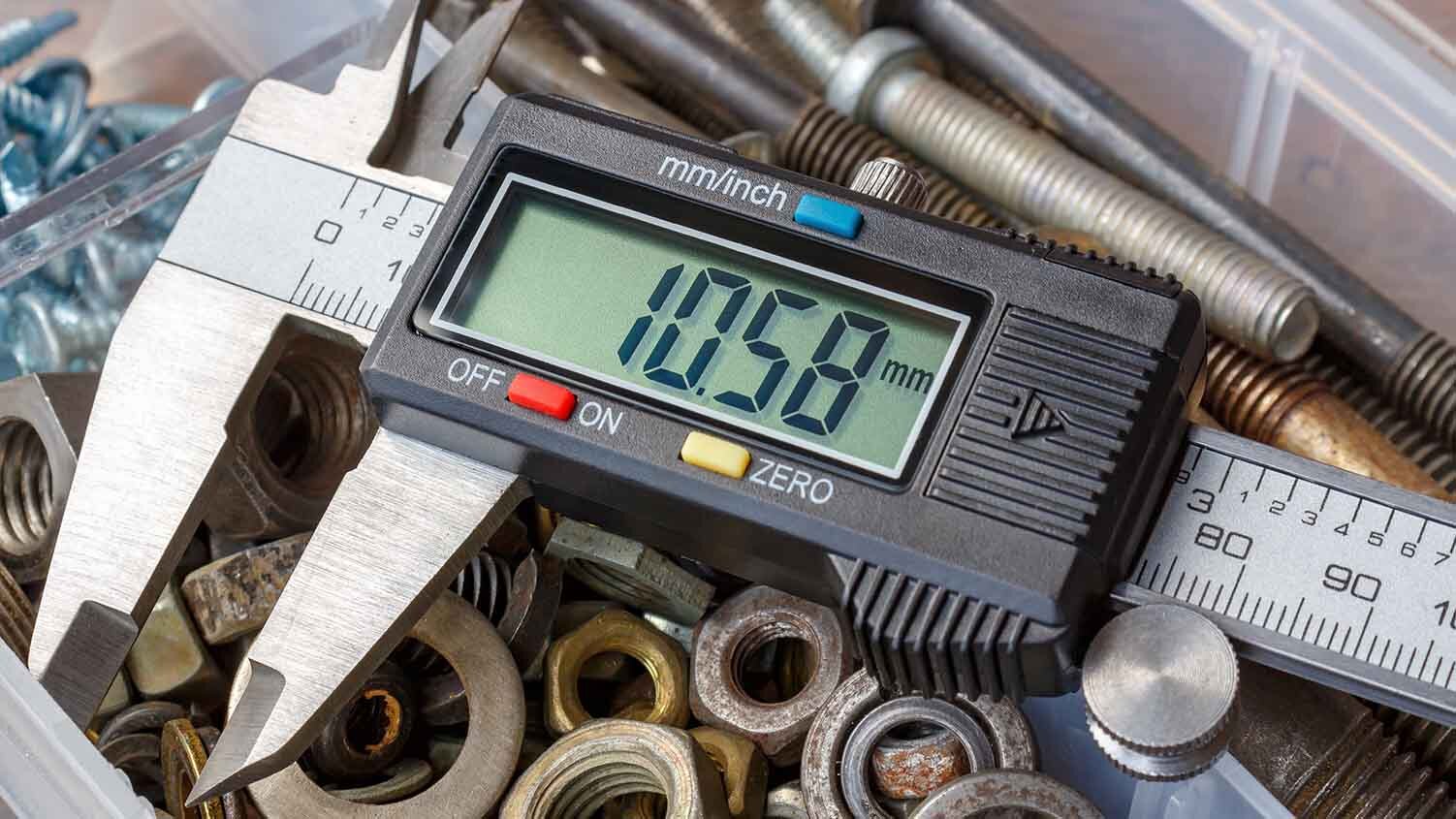
A caliper is a tool used to measure the distance between two ends of an object. Traditionally, measurements were acquired by reading a ruled scale or dial, but more modern calipers provide a digital display for increased accuracy.
What is a Digital Caliper?
Digital calipers still share the same purpose their predecessors did—to provide accurate linear measurements—but they work in a different way. Digital calipers help determine the distance between two opposite sides of an object, but instead of relying on a Vernier scale with a rack and pinion mechanism, digital calipers use sensors along the length of a beam to detect changes in electrical charge when the distance between the two jaws changes.
Beneath the scale of digital calipers are copper or glass strips that have rectangular plates engraved onto them. These plates interact with a circuit board on the underside of the jaw to form a grid of capacitors. The movement of the jaw sends a signal to the chip, which returns the reading on your caliper.
What Are Digital Calipers Used For?
Calipers in general are useful in science, medicine, mechanical engineering, woodworking, metalworking, forestry, and even basic home improvement projects. Digital calipers are used in the same way as traditional calipers, but take out some of the guesswork. Instead of the user having to look at a scale, digital calipers provide a digital reading on an LCD display. This makes learning how to read digital calipers much simpler.
In terms of what tasks digital calipers are used for, they’re ideal for measuring the thickness of materials, such as the thickness of a board. You can also use them for comparative measurements or to get circumference dimensions.
How to Calibrate Digital Calipers
It is essential to know how to calibrate digital calipers. While calibrating isn’t difficult, it is the only way to get an accurate reading. This can be achieved in two quick steps.
1. Turn ON device
Turn on the caliper using the ON/OFF button.
2. Set to ZERO
Bring the jaws of the device together until they touch, then hit the ZERO button. Doing this should set your LCD display to zero.
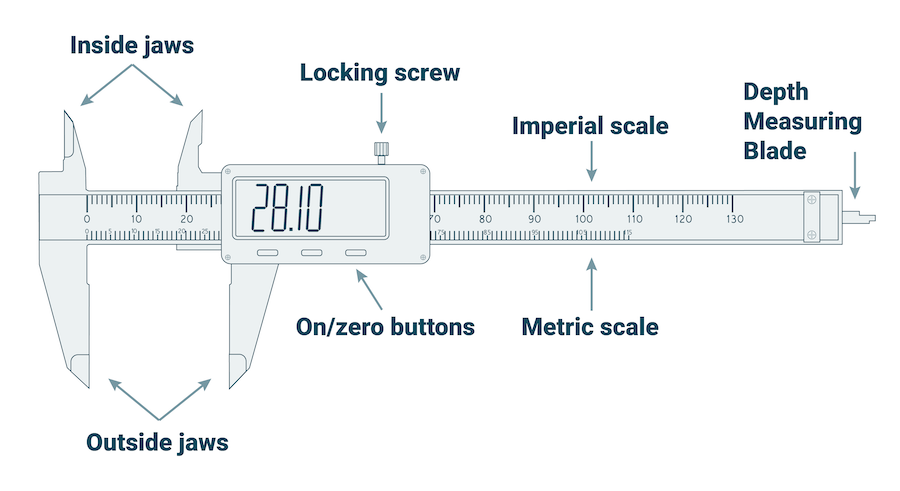
How to Use a Digital Caliper
Using a digital caliper is easy. Following these quick steps will ensure you have the most success.
1. Calibrate
Follow the steps above to make sure you’ve calibrated your device.
2. Select object
Determine what object you’re trying to measure. You can measure anything that fits securely between the two jaws.
3. Place object
Insert the object you’re trying to measure between both jaws of the caliper. Your caliper may have a locking screw that needs to be held and released once the object is in place. Make sure the object is placed evenly between both jaws.
4. Record
Observe the LCD screen to obtain your measurement. Most calipers have an INCH/MM button. Press the button to change between the Metric and Imperial systems.
That’s it. Learning how to use a digital caliper is simple and a digital screen makes reading digital calipers just as easy. With more accurate measurements, you can ensure your project is completed to perfection.
Product Compliance and Suitability
The product statements contained in this guide are intended for general informational purposes only. Such product statements do not constitute a product recommendation or representation as to the appropriateness, accuracy, completeness, correctness or currentness of the information provided. Information provided in this guide does not replace the use by you of any manufacturer instructions, technical product manual, or other professional resource or adviser available to you. Always read, understand and follow all manufacturer instructions.
