


LAN Cable Crimping Tools: Features That Matter for Field Techs
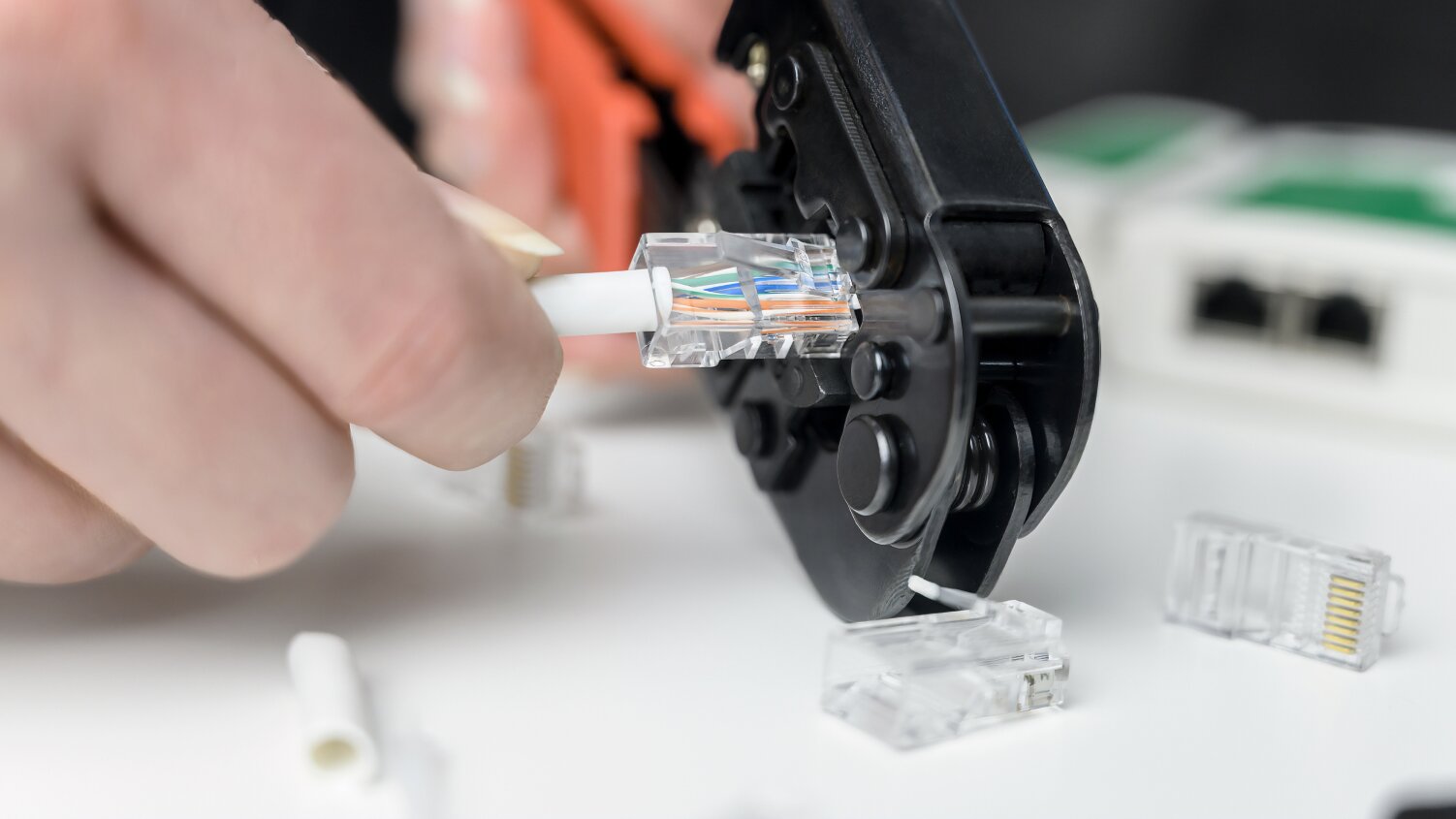
Table of Contents
- What Makes a LAN Cable Crimping Tool “Field-Ready”?
- Solid, Non-Flexing Frame
- Integrated Stripper and Cutter (If Designed Well)
- Ergonomic, Non-Slip Grips
- Compatibility with Common LAN Cable Types
- Consistent Crimps for Reliable Connections
- Ratcheting Action (Optional)
- Compact Form Factor
- Durability for Demanding Environments
- Clear Labeling and Markings
In structured cabling, a reliable connection starts with the right tools, and a clean crimp can make all the difference. Whether you're terminating drops in a dusty telecom closet or working overhead in a ceiling crawl, using a well-suited LAN cable crimping tool may contribute to smoother installations and fewer delays.
While many tools can get the job done, some are designed with field conditions in mind: supporting ease of use in tight, dim, or awkward spaces. This guide breaks down the LAN crimping tool features that may help field techs work more efficiently and with greater consistency.
What Makes a LAN Cable Crimping Tool “Field-Ready”?
A dependable crimper isn’t just about fitting RJ45 or Cat5e connectors; it’s about how it holds up in real-world conditions. Here’s what to consider if you’re working outside a traditional bench setup.
Solid, Non-Flexing Frame
Crimping inside a server rack or leaning over conduit requires control. Tool flex may be undesirable in these environments, so look for:
- A hardened steel or reinforced alloy body
- Tight hinge tolerances
- Minimal plastic parts near high-stress zones
Pro Tip: Lightweight or multitool-style crimpers may not be suited for high-frequency or demanding field use.
Integrated Stripper and Cutter (If Designed Well)
In the field, one tool that strips, cuts, and crimps can streamline your workflow, but only if each function performs reliably.
Look for:
- Clean, jacket-safe cutting blades
- Adjustable or preset stripping depths for Cat5e/Cat6
- Flush, accurate trimming for pass-through connectors
Improper trimming can potentially result in intermittent pin contact, so precise cutting is important.
Ergonomic, Non-Slip Grips
Crimping all day adds up. Ergonomic tools may help reduce fatigue and improve control, especially when working overhead or in low light.
Helpful grip features include:
- Contoured handles that reduce pinch points
- Non-slip materials for glove or bare-hand use
- Leverage that supports full crimps without excessive force
Tools designed for balance may also support one-handed use on ladders or in tight spaces.
Compatibility with Common LAN Cable Types
Most field techs encounter a range of cable types, including:
- Cat5e, Cat6, and Cat6a (solid or stranded)
- RJ45 (8P8C) and sometimes RJ11 (6P)
- Standard and pass-through connectors
- Shielded options for foil or braided STP cable
Shielded Cat6a, for example, is increasingly common in healthcare and commercial buildings. A crimper rated for those connectors can help ensure a secure termination.
Consistent Crimps for Reliable Connections
Uniform pressure across all eight pins is essential for reducing connection issues like resistance or crosstalk.
Key crimping characteristics to look for:
- Even seating of pins
- Proper alignment without crushing
- Reliable contact depth across every conductor
Consistent pin seating and uniform die marks are important to avoid connectivity issues. Tools of lesser quality may not provide this consistency.
Ratcheting Action (Optional)
Ratcheting mechanisms may help reduce fatigue and improve crimping consistency during frequent use. Benefits include:
- Controlled pressure delivery
- Reduced chance of incomplete crimps
- Improved operator comfort over long shifts
Compact Form Factor
Crimping behind a patch panel or above ceiling tiles calls for tools that fit in tight spaces. Look for:
- Tools under 8" in length
- Open-ended handles for easier maneuvering
- Low-profile dies that reduce snagging on hardware
Durability for Demanding Environments
Tools used in field settings take a beating. Choose a crimper with:
- Replaceable blades
- Heat-treated dies
- Corrosion-resistant finishes
- Tether points or belt clips for storage flexibility
Tools with glued joints or plastic clips may be less durable in high-use or rugged environments.
Clear Labeling and Markings
Quick identification of RJ45 vs. RJ11 cavities, blade paths, and pass-through cut alignments can help reduce errors and speed up work, especially under pressure.
Final Thoughts
Some tools are available with professional-grade support options from established manufacturers. When choosing tools for your team, it’s helpful to consider serviceability, support availability, and part replacements.
