
Wireless Input Devices (3 items)
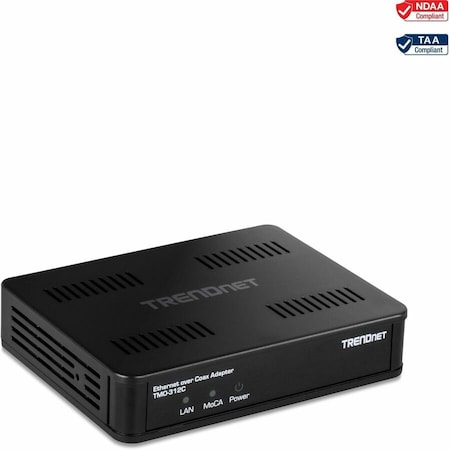
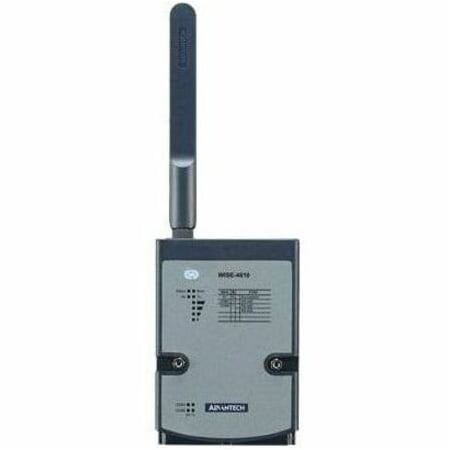
Outdoor Lora Wireless Sensor Module
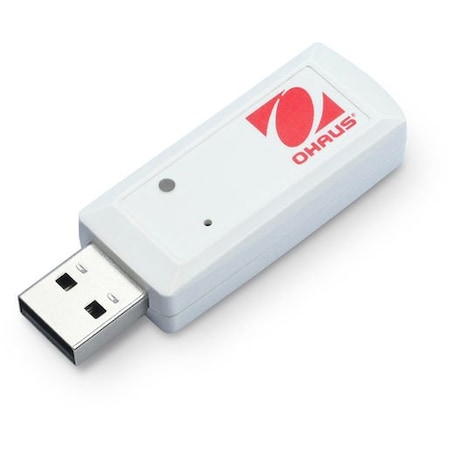
About Wireless Input Devices
Wireless input devices are electronic tools used to transfer data from one location to another without the need for physical cables. They allow for greater flexibility and convenience than traditional wired devices.
Types of Wireless Input Devices
There are many different types of wireless input devices, each designed for a specific purpose. Some popular examples include keyboards, mice, and game controllers. Each type is designed with a particular set of features that makes it better suited to certain tasks than others.
How Wireless Input Devices are Made
Wireless input devices are typically constructed using a combination of materials such as plastic, metal, rubber, and electronics. These components are then configured in such a way that allows them to communicate wirelessly with other devices. Specialized software is also used to ensure that the device functions properly.
Industries that use Wireless Input Devices
Wireless input devices can be found in many different industries including gaming, education, medical science, engineering, and more. Professionals in these fields rely on wireless input devices for their daily tasks as they provide an efficient and convenient way to interact with digital systems.
Find the Wireless Input Devices You Need at Zoro
Looking for a specific item? Use our robust search tool to find it by name or keyword, or use our handy filters to narrow down our full assortment. You can also check out our whole selection of electronics along with other tools or supplies to ensure you have all you need to tackle the job, especially if you're taking on a DIY project for the first time.
Plus, when you shop at Zoro, you'll always enjoy competitive prices on tons of great brands you know and trust. We make the shopping experience as fast and seamless as possible with free shipping on orders over $50 for registered users, Net 30 payment terms for qualifying customers, and an unparalleled customer service experience.
Frequently Asked Questions
The key features to look for in wireless input devices are connectivity options, range and stability, ergonomics, and battery life.
Key advantages of a 2.4GHz wireless connection include reduced latency, providing a more responsive user experience and reduced interference, leading to a more stable connection.
Wireless input devices like keyboard and mouse combos can enhance productivity by eliminating cable clutter and allowing users to work comfortably from virtually anywhere within range. This flexibility can boost efficiency.
To optimize comfort and ergonomics, position your wireless keyboard and mouse directly in front of you with your forearms parallel to the floor. Adjust the height of your chair and desk to ensure your wrists are at a neutral angle.
